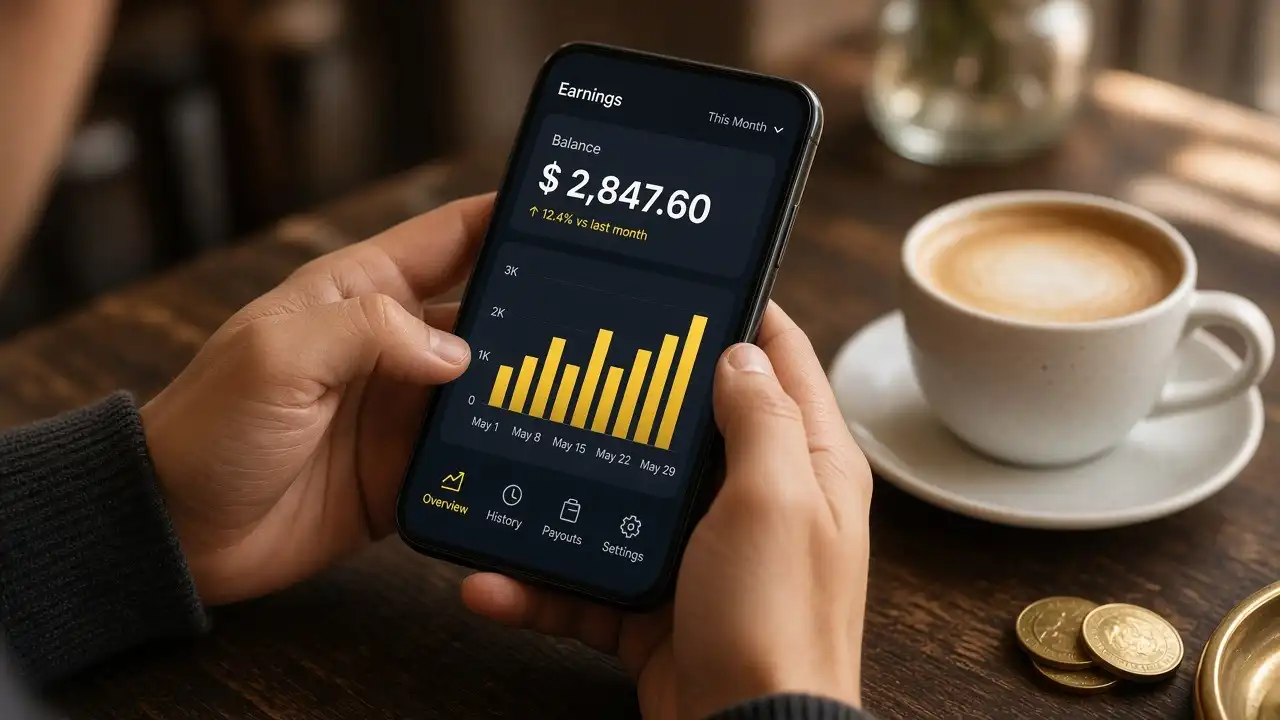
A phone can pay you in two very different ways. The first is apps that rent your attention: surveys, games, receipt scanning, cashback. The second is using the phone as a tool for work that was always better paid: a local service, a freelance client, selling something you made.
The first group is real and small. A few dollars an hour is a common outcome, and some apps have been pulled from stores over data practices. Never pay to join. Never hand over a bank login. The Penny Hoarder piece below is a sober overview of what is worth installing.
If the hourly rate matters to you, run the earnings-per-hour calculator before you spend a week on surveys. Then look at the surveys hub for the slower, honest version, or at freelancing if you have a skill.
Apps · Topic 1 of 4
Survey and GPT apps
Get-paid-to apps pay you to answer questions, try offers, or watch ads. Disqualification is normal. Payout minimums hide the real hourly rate. Use a separate email. Stop if an app asks for a social security number, a bank password, or an upfront fee. NerdWallet’s survey review is blunt about the trade: pocket change in exchange for personal data.
Plays from YouTube (privacy-enhanced mode) only after you press play · Watch on YouTube
Apps · Topic 2 of 4
Cashback and receipt apps
Cashback pays you a slice of spending you were going to do anyway. It does not pay you to spend more. Activate the offer before you check out, or the purchase does not track. Receipt apps want the data on the receipt as much as they want to hand you points. Stack one cashback app with a card you already understand. Chasing five apps is a part-time job with supermarket wages.
Plays from YouTube (privacy-enhanced mode) only after you press play · Watch on YouTube
Apps · Topic 3 of 4
Using the phone for real work
Delivery, dog walking, furniture assembly, and user testing all run through a phone and pay more than surveys when demand is there. They are also piecework: you cover your own costs, you are often not an employee, and the app’s cut comes off the top. Read the side-hustle guides on dog walking and TaskRabbit before you buy equipment. The phone is the dispatcher, not the business.
Plays from YouTube (privacy-enhanced mode) only after you press play · Watch on YouTube
Apps · Topic 4 of 4
Selling from a phone
Marketplace photos, a simple checkout link, and messages are enough to sell secondhand goods or a small digital file. The limit is fulfillment and replies, not the camera. If you are photographing ten items a week, batch them. If you are shipping, price the postage before you list. A phone shop becomes a business when refunds and taxes show up; write those down on day one.
Plays from YouTube (privacy-enhanced mode) only after you press play · Watch on YouTube
FAQ
Questions people ask
How much can I make with phone apps?
Survey and reward apps usually pay a few euros an hour at best. Gig apps for delivery, dog walking or tasks pay more but come with costs, fees and no employee protections.
Are money-making apps safe?
Many are, some are not. Avoid apps that ask for upfront fees, bank passwords or excessive permissions, and use a separate email address for reward apps.
What is the best way to earn with just a phone?
Use the phone as a tool for real work: selling secondhand items, offering local services, or running a small freelance business. Pure tap-and-earn apps rarely add up to much.
Do I have to pay tax on app earnings?
Usually, yes. Gig and marketplace income is often reported to tax authorities, and many countries now require platforms to share seller data. Keep a simple log of income and costs.